Your store community is quiet? Here’s how to bring it to life
 Social Place · 7 min read
On this page
- First, find out what kind of quiet it is
- Reason 1: Customers don’t know it exists
- Reason 2: Your posts are hard to answer
- Reason 3: Only the brand speaks
- Reason 4: Nobody answered the first post
- Reason 5: Nothing brings people back
- Reason 6: It sounds generated
- A four-week plan to restart
- How long before it picks up
- FAQ
You added a forum to your store, posted a few times, and then not much happened: a handful of members, few replies, whole weeks without a new post. That’s the most common stage in the life of a store community, not a failure. Here’s how to find what’s holding yours back, and what to change, one reason at a time.
To keep it concrete, we follow one example: a small baking supplies shop that sells cake molds, piping tips and decorating tools. Its forum is two months old, with forty members and three replies last month.
First, find out what kind of quiet it is
“Nobody posts” can mean several things, and each one has a different fix. Before changing anything, look at your numbers. In Social Place, the Analytics page shows forum views, new members, active members and how many visitors become contributors.
| What you see | What it usually means | Where to start |
|---|---|---|
| Few views | Customers don’t know the forum exists | Reason 1 |
| Views, but few posts or replies | People read, but your posts are hard to answer | Reason 2 |
| Only your posts in the feed | The forum sounds like a brand, not like people | Reason 3 |
| Members who posted once, then left | Nobody answered them | Reason 4 |
| Activity that dropped after launch | Nothing brings people back | Reason 5 |
Our baking shop had a few hundred views a month, so people were coming. They just weren’t writing. You can also rely on an alert: when member posts and comments drop by more than 40% over two weeks, Social Place shows “Forum activity is slowing down” in your To do page.
Reason 1: Customers don’t know it exists
A forum hidden in the footer gets few visitors. Give it a place everyone sees:
- An item in your main menu, visible on every page.
- A section on your homepage that presents the community or shows its latest posts.
- A line in every newsletter, and the link in your Instagram bio.
- Your existing community. If customers already gather in a Facebook group or on Discord, share the link there. See Discord, Facebook group or a forum on your store?
- An email after each purchase. With the first contribution reward turned on, Social Place invites your buyers who accept marketing emails to come and post, with a discount code for their first contribution.
The details are in how to add a forum to your Shopify store.
Reason 2: Your posts are hard to answer
This is the most frequent reason. “What do you think of our new collection?” asks for an opinion, and nobody wants to write the first one. A post that gets replies has a photo, asks something specific and can be answered in a few seconds. Here’s how our baking shop rewrote its posts:
Before: no replies
After: replies
“Welcome to our community!”
“Two molds, one oven: fluted or square for the Christmas cake? Vote, and we’ll bake the winner live.”
“Share your best recipes!”
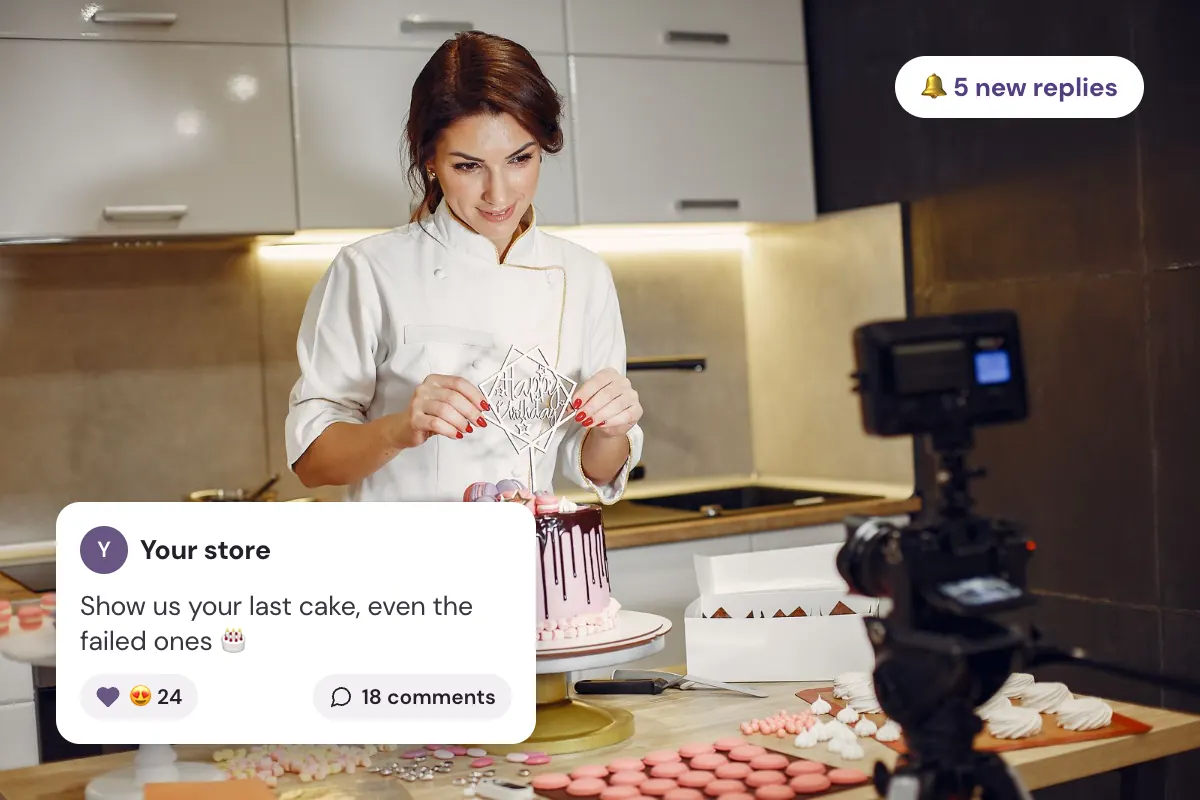
“Show us the last cake you made with our molds, even the failed ones. Here’s ours, slightly burnt.”
“Our new piping tips are here.”
“Star tip or petal tip for a first birthday cake? Tell us what you’d pick, a photo is a bonus.”
Posts about the life around your products work better than posts about the products: the cake that collapsed, the kitchen at 6 a.m., the question every beginner asks. For a full list, see our community post ideas for your Shopify store.
Reason 3: Only the brand speaks
When every post comes from the store account, the forum reads like a newsletter. Visitors see a brand talking to itself, and nobody wants to interrupt. Bring in more voices:
- Your team, under their own names. Each person posts with their first name and photo. “Camille, who packs your orders” gets more replies than “The team”.
- Your customers’ photos, shared with their consent and credited. See how to get customers to share photos.
- Your Instagram. With Social Place on the Instagram plan, your posts come into the forum on their own, and posts where customers mention you become real posts. See how to turn your Instagram followers into a community.
- Promotions in one place. Keep sales in a single news category, and set it to read-only if you want: only your team posts there, members comment and react.
Filling the forum yourself at the start is fine, and normal. The limit is clear: never pretend to be a customer and never invent members.
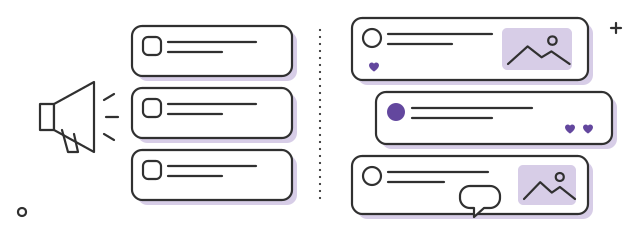
- Only the brandit reads like a newsletter
- Many voicesit reads like a forum
Reason 4: Nobody answered the first post
A member’s first post is fragile. If it gets no reaction, they rarely write a second one. Make sure every first post gets an answer the same day:
- React to every post and comment from your members, with a like or a heart. It takes a second and shows someone saw them.
- Reply by name, and ask a follow-up question so the conversation keeps going.
- Keep the reply emails on. Social Place emails a member when someone comments on their post or replies to them, so they come back to read it. These emails are on by default: check they still are.
Our baking shop now replies like this to a first post:
Welcome [first name], and what a first cake! The piping on the sides is really neat. Which tip did you use for the top? We’re asked all the time, your answer will help a lot of people.
[Your first name], from [your store name]

- A first postfrom a member
- A heart and a replythe same day
- An emailthat brings them back
Reason 5: Nothing brings people back
Members come back when something waits for them. Give them reasons:
- Things they’ll see first. A new product shown in the forum before the newsletter, the result of a vote, the backstage of a launch. See how to launch a new product with your community.
- Rewards for taking part. Points for posts and comments, levels that unlock a discount code, badges next to their name. See how to reward customers with points, levels and badges.
- A reserved space for your best customers or most active members, such as a private category that opens at a given level.
- A rhythm they can count on. Three posts a week, always on the same days, so members know there’s something new.
Your most active members can also become ambassadors who bring others in: see how to turn your best customers into brand ambassadors.
Reason 6: It sounds generated
Posts that sound like ChatGPT get no replies: polished, generic, without a single detail. The same goes for a forum that looks like a template. Write the way you talk, with your photos and your mishaps, and if AI gives you a first draft, rewrite it your way. Then make the forum look like your brand: your colors, your banner, your fonts, and category names in your customers’ words, such as “Your bakes” rather than “Community content”.
A four-week plan to restart
Here’s the plan our baking shop followed. Adapt the posts to your store, and keep the rhythm:
Your storeWeek 1
Make the forum visible and post six times with photos
A menu item, the homepage section, a line in the newsletter
Your storeWeek 2
Three posts that ask something easy, and a heart on every reply
“Fluted or square for the Christmas cake?”
Your storeWeek 3
A vote with a real stake, then post the result
The winning mold, baked and photographed
Your storeWeek 4
Turn on a first reward, then compare your numbers with last month
A discount code for a first post with a photo
How long before it picks up
Count in months, not weeks. The pace depends on your niche: people who bake, knit or garden show what they make more easily than buyers of a product they use once. A few signs tell you it’s working: members reply to each other before you do, posts arrive without you asking, and more visitors become contributors on your Analytics page.
And if your customers really don’t want to talk, that’s useful to know too. The forum can then become a place for announcements and answers, where every question is answered once for everyone: see how to stop answering the same customer questions. And to see where your niche stands, read the first section of how to build an online community for your Shopify store.
And once members talk, their questions can bring you visits from Google: see how customer content helps your Shopify store rank on Google. To weigh the time it takes against what it brings, read is a community worth it for your Shopify store?
FAQ
Why is nobody posting in my store community?
Usually for one of five reasons: customers don’t know the forum exists, posts are hard to answer, only the brand speaks, nobody replied to the first posts, or nothing brings people back. Your analytics tell you which one.
How do I get members to reply?
Post a photo with a specific question that can be answered in a few seconds, react to every post and comment, and reply to every first post the same day, by name.
How often should I post to revive a community?
Three posts a week, always on the same days, so members know there’s something new. Your synced Instagram posts can fill the days in between.
Can I fill the forum myself?
Yes, at the start it’s normal: your team under their own names, your Instagram posts, your customers’ photos with their consent. Never pretend to be a customer and never invent members.
How long does it take for a community to become active?
Count in months, not weeks. The pace depends on your niche: it’s faster where customers already show what they make.